
Figma ↔ live QA
Your Figma Designs,Pixel Perfectin Production
FigMatch compares your Figma frames to live pages, flags typography drift, and keeps project audits ready to re-run.
2
Audit modes
6+
Type checks
2
Viewports
1
Token paste
Figma vs live Compare
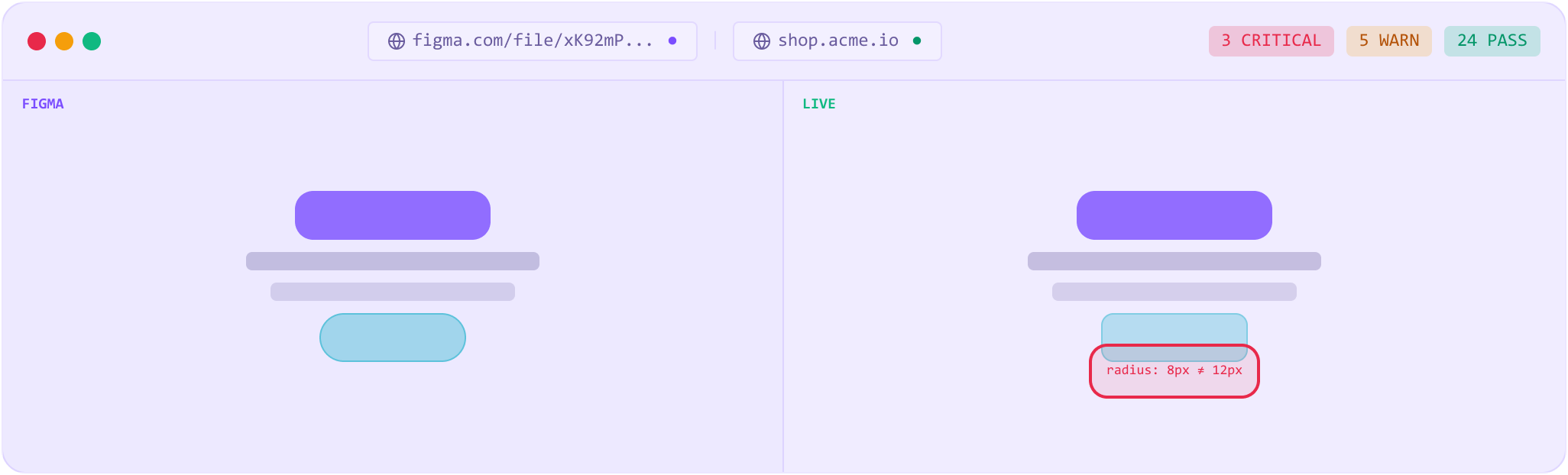
ComparePair a Figma frame with a live URL. FigMatch matches text nodes and scores typography — color, font, size, weight, line height, letter spacing.
Pass / fail you can argue about
CompareEvery mismatch lists Figma vs live values so design and eng can see exactly what drifted.
Section highlights
CompareOpen a fail and see the live section crop with the bug called out — not a wall of numbers alone.
Fix prompts
CompareCopy a focused prompt for one bug or a batch for the page — ready for your coding agent.
Dev-Ready audits
HandoffFigma-only checks for handoff: section gaps, spacing scale, Auto Layout, naming, type and color sprawl.
Projects & pages
WorkflowOrganize work under Compare or Dev-Ready projects. Run from the board and keep last-run scores on each page.
Desktop + mobile
WorkflowOptional mobile Figma frame on Compare pages. One run covers both viewports with Desktop | Mobile tabs.
Quick audit
WorkflowNo project required — paste URLs after sign-in and run a one-off Compare or Dev-Ready check.
From design to audit in minutes
No SDK. No install on your site. Just paste URLs.
- 01
Connect Figma
Paste a frame URL with node-id and your personal access token. We fetch design values for that frame.
- 02
Point to live
Add production or staging URL. Playwright renders at the Figma frame width — optional mobile frame too.
- 03
Run the audit
FigMatch matches text, diffs typography (or Dev-Ready rules), and stores the result on the page.
- 04
Review and fix
Read pass/fail, open highlights, copy fix prompts, then re-run when the live site moves.
Compare engine
See what's off — and exactly why
FigMatch renders the live page at your Figma frame’s width, matches text, and diffs computed typography so you know what to fix next.
- Text-node matching between Figma and the live DOM
- Typography diffs with small tolerances — not a blind pixel dump
- Page-match guard when the live URL is clearly the wrong page
- Per-bug and batch fix prompts for your codebase
Hero title
Font weight
700→600
CTA label
Color
#D20004→#484848
Caption
Font size
14px→13px
Nav link
Letter spacing
0.02em→0
Ship what the file says.
Create an account, run Quick audit or a project page, and keep a trail of what passed and what still needs work.
Start free — no credit card